
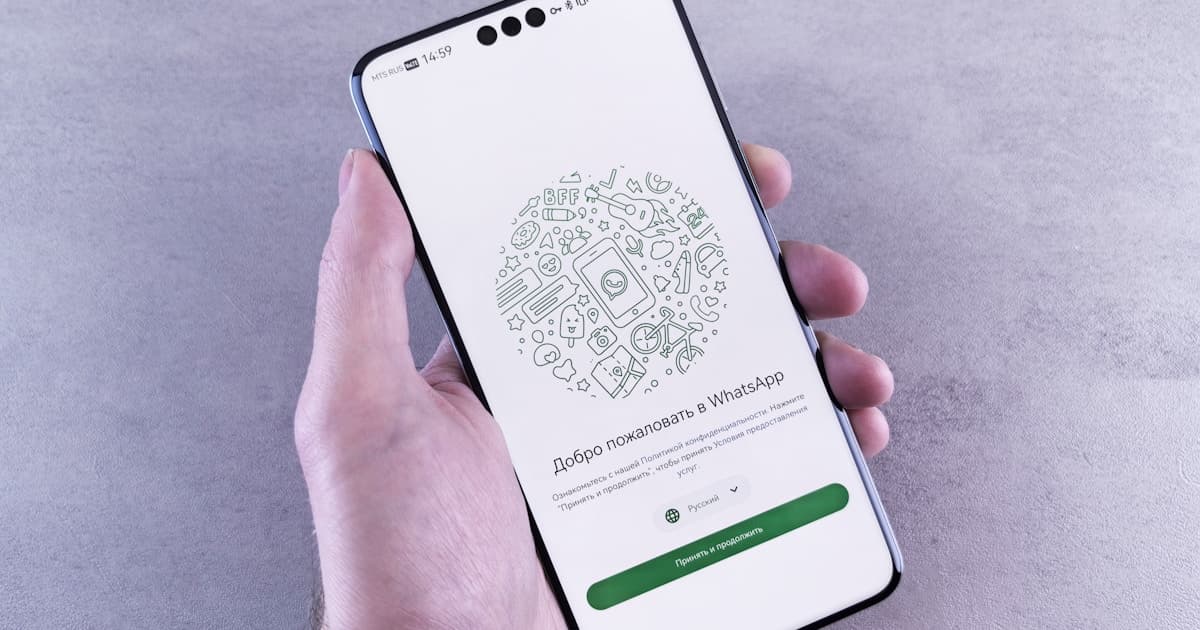
You picked a date. Now 150 people need to know — and most of them live in WhatsApp, not their inbox.
Sending a save the date via WhatsApp locks your wedding date on everyone's calendar fast. But a compressed JPEG in a family group chat is not a save the date — it is noise buried under congratulations within an hour.
This guide covers copy-paste message templates, broadcast vs group etiquette, link preview tips, and a pre-send checklist. New to digital save the dates? Start with our digital save the date guide. For the full invitation experience, see our digital wedding invitations guide.
Why WhatsApp is the best channel for save the dates
Save the dates give guests lead time to block the date before formal invitations arrive. In 2026, that means messaging apps — not mailboxes.
WhatsApp messages get near-100% open rates compared to filtered email. A personal message prompts instant calendar blocking. One broadcast reaches international guests without postage delays. And a polished link preview sets up your formal WhatsApp wedding invitation as a natural follow-up, not a cold blast.
What to include in a save the date WhatsApp message
A save the date is not an invitation. Keep the WhatsApp message lean — guests should read it in under ten seconds.
Include:
- Both names
- Wedding date
- City or general location (not the exact venue — that can change)
- "Formal invitation to follow"
- Optional: a link to a web-based save the date with a rich preview
Leave out:
- Full event schedule (rehearsal, ceremony, reception)
- Venue addresses and maps
- Dress code, registry, accommodation details
Those belong in your formal invitation. Including them now creates confusion — especially if details change between the save the date and the invite.
Timing: Send save the dates 6–9 months before the wedding. Destination weddings or holiday weekends: 9–12 months out. Short engagements under six months? Skip the save the date and send a formal digital invitation at least 6–8 weeks before instead.
Copy-paste WhatsApp message templates
The tone of your message sets expectations. Below are five templates you can copy, customize, and send individually or via broadcast list. Adjust formality to match your wedding style.
Classic and formal
Dear [Name],
We are delighted to share that Sarah Mitchell & James Carter are getting married on October 18, 2026 in Austin, Texas.
Please save the date — a formal invitation with full details will follow closer to the wedding.
With love, Sarah & James
Warm and conversational
We said yes! 💍
Emma & Liam are tying the knot on March 7, 2027 in Portland, Oregon.
Save the date — details coming soon. We cannot wait to celebrate with you!
Short and direct (best for WhatsApp)
Save the date! Priya & Daniel — June 14, 2027, San Francisco. Invitation to follow. ✨
Destination wedding
Rachel & Marco are getting married on September 20, 2027 in Positano, Italy.
Save the date — travel and accommodation details will follow in your formal invitation. Start dreaming about that trip!
Save the date with link
Anika & Jordan are getting married!
November 8, 2027 · Nashville, Tennessee
Tap below to see our save the date — a formal invitation with all the details will follow closer to the date.
[your-save-the-date-link]
The last template works best when your link shows a rich preview card in WhatsApp — couple names, date, and a cover image — rather than a raw URL. Platforms like Vow Invites set Open Graph metadata so chat apps render a polished preview automatically.
Personalization tip: Always lead with the guest's name — "Hi Sarah," not "Hi everyone." Even on a broadcast list, WhatsApp shows the name you saved in contacts, and a direct greeting makes the message feel intentional.
Broadcast list vs group chat: which to use?
This is the most common save the date mistake: posting into a large family or friend group and watching it disappear under 47 "congrats!" replies.
| Method | Best for save the dates | Why |
|---|---|---|
| Direct message (1:1) | Close family, VIPs, older relatives | Feels personal. Private replies. Easy follow-up. |
| WhatsApp broadcast list | Large guest list (50–500+) | You send once; each person receives it as an individual chat. Replies come privately — not to 200 strangers. |
| Group chat | Planning committee only | Coordinators, wedding party — not for sending the save the date. |
| iMessage / SMS | Mixed demographics | Same rules: personal message + link. Avoid giant group texts. |
Do not send your save the date in a guest group chat unless it is a small gathering (under 30 people who all know each other). In larger weddings, group posts become noise — endless reactions, forwards, and missed details.
Broadcast list tip: Save each guest's contact with their first name before adding to the list. Send to yourself first, then roll out once the preview works. Group chats are for planning — not announcing save the dates.
Link preview tips for save the date links
When you paste a URL in WhatsApp, it should expand into a link preview — title, description, and cover image. That preview is your first impression before anyone taps.
A proper save the date link shows:
- Couple names in the title
- Wedding date and city in the description
- A beautiful cover image (not a grey box or broken icon)
If your link shows only a raw URL, guests assume it is spam. They do not tap — and your save the date never lands.
How to test before mass send:
- Forward the link to yourself on WhatsApp.
- Check that the preview image loads, text is not cut off, and the page opens in the in-app browser.
- Test on a second device or ask a friend to confirm the preview on their phone.
- Fix any broken previews before sending to your full guest list.
Common preview failures:
| Problem | Cause | Fix |
|---|---|---|
| Grey box or no image | Missing Open Graph image tag | Use a wedding invite platform that sets OG metadata |
| Generic title ("Home" or "Untitled") | Page title not configured | Set a custom title with couple names and date |
| Raw URL with no preview | Link blocked or not crawlable | Avoid Google Drive, Dropbox, or password-protected pages |
| Wrong image cropped | OG image wrong aspect ratio | Use 1200×630px cover image minimum |
Web link vs image attachment: A JPEG save the date image compresses in WhatsApp, loses quality, and cannot update if your date changes. A web-based save the date link shows a rich preview, opens a polished mobile page, and lets you update details without re-sending to everyone. For the full comparison of formats, see our digital save the date guide.
Etiquette and timing tips
Send only to confirmed guests — a save the date implies an invitation is coming. Respect time zones and avoid 3 AM deliveries for international guests. VIPs (parents, grandparents, wedding party) deserve a direct message or quick call before the broadcast.
Do not rely on Instagram or Facebook as your only save the date channel — social posts get buried by algorithms. Direct messages are the courtesy. Mention that a full digital wedding invitation with timeline, maps, and RSVP will follow 6–8 weeks before the wedding.
Pre-send checklist
Before you send your save the date via WhatsApp to the full guest list:
- Wedding date and city are confirmed (not tentative)
- Guest list finalized — only people who will receive invitations
- Link opens on mobile without login or app download
- Link preview shows title, description, and image (test on WhatsApp)
- Personal message written — not just a bare URL
- Broadcast list or DMs chosen — not a large guest group chat
- VIPs get a direct message or call first
- Test message sent to yourself and one friend
- Time zone considered for international guests
Send to 5–10 people first (siblings, close friends). Fix any broken links or typos. Then roll out to the full list.
Related guides
More from the Vow Invites blog:
- Digital save the date guide — timing, wording templates, and email alternatives
- WhatsApp wedding invitation guide — rich link previews, broadcast etiquette, and formal invite sharing
- Digital wedding invitations: complete guide — formats, costs, RSVP, and platform checklist
See a live demo → · Create your save the date →
Frequently asked questions
Is it OK to send a save the date on WhatsApp only?
Yes — for most friends, colleagues, and out-of-town guests, WhatsApp is the preferred channel in 2026. Send it personally (direct message or broadcast list), not as a mass group post. For older relatives who expect paper, consider mailing a printed save the date card while using WhatsApp for everyone else. The key is a personal touch, not the channel itself.
Should I use a WhatsApp group or broadcast list for save the dates?
Direct messages or broadcast lists for save the dates. Group chats only for your planning team. Large guest groups bury your message under congratulations replies within minutes and expose everyone's phone numbers. A broadcast list sends once but delivers individually — each guest sees it as a personal message.
Why doesn't my save the date link show a preview on WhatsApp?
Usually missing or broken Open Graph metadata — the title, description, and preview image your page sends to chat apps. Fix it by using a proper wedding invite host that sets OG tags, ensuring your cover image is publicly accessible (1200×630px minimum), and testing before mass send. Avoid raw Google Drive or Dropbox links; they often show generic icons or no preview at all.
What should I write in a save the date WhatsApp message?
Keep it to names, wedding date, city, and "formal invitation to follow." Lead with the guest's name, add a warm personal line, and include a link with a rich preview if you have one. Avoid venue addresses, dress codes, and full schedules — those belong in the formal invitation. See the copy-paste templates above for ready-to-use wording.
How far in advance should I send a save the date on WhatsApp?
Six to nine months before the wedding for most celebrations. For destination weddings or holiday weekends, send nine to twelve months out so guests can plan travel and book time off. If your engagement is shorter than six months, skip the save the date and send a formal digital invitation at least six to eight weeks before the wedding instead.