
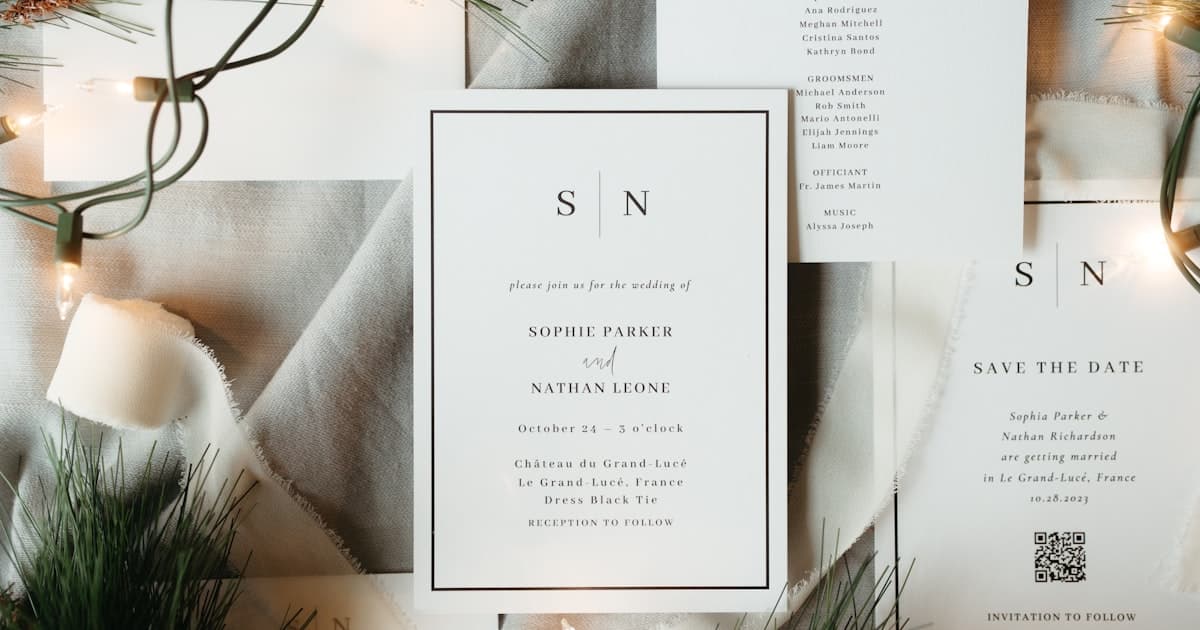
Canva and The Knot sit at opposite ends of the wedding invitation spectrum. Most couples searching Canva vs The Knot wedding invitations are really asking: do I need creative control or a planning ecosystem?
Canva is a design studio that exports files. The Knot is a planning platform with invitations built in. Neither is wrong — but picking the wrong one for RSVP tracking, mobile sharing, or pixel-perfect DIY design is where frustration starts. This guide compares both so you can match the tool to the job.
For broader context, see our digital wedding invitations guide. Already outgrowing Canva? Read our Canva wedding invitation alternative breakdown.
Canva vs The Knot: two different jobs
Canva is a design tool — pick a template, drag elements, export PNG or PDF. Near-total creative freedom, zero wedding logistics.
The Knot is a planning platform — wedding website, registry, guest list, and vendor tools, with digital invites as one feature. You trade layout freedom for integrated RSVP and guest management.
Canva optimises for how your invite looks. The Knot optimises for how your wedding runs.
What Canva offers for wedding invitations
Canva's strength is creative control without a design degree — thousands of templates, full drag-and-drop editing, custom fonts and colours, and print-ready PDF export. Free tier works for many couples; Pro ($13/month) removes watermarks.
Canva is ideal when you want a specific aesthetic no platform template matches — a Pinterest layout, hand-drawn motif, or exact font pairing.
The limitation: Canva delivers a static file, not a living invite. No RSVP, no rich link preview on WhatsApp or iMessage, no updates after sending without re-exporting to every guest. See our Canva alternative guide for the full breakdown.
What The Knot offers for wedding invitations
The Knot's invites live inside a wedding planning hub — website, registry, guest list, RSVP dashboard, vendor marketplace, checklist, and budget tools in one login. Matching printed suites coordinate with your digital design.
The Knot is ideal when you want one platform for the whole wedding — hotel blocks, registry links, travel FAQ, and RSVP without duplicate data entry.
The trade-off: templates are polished but curated. You customise colours, photos, and wording — not with Canva-level freeform layout. The experience feels like a planning website with an invite section, not a cinematic mobile-first card.
Compare planning platforms in our The Knot vs Zola online invitations guide.
Canva vs The Knot wedding invitations: comparison table
| Canva | The Knot | |
|---|---|---|
| Primary purpose | Graphic design tool | Wedding planning platform |
| Creative control | ✅ Full — any layout, font, image | ⚠️ Template-based customisation |
| Built-in RSVP | ❌ None | ✅ Yes, synced to guest list |
| Guest list management | ❌ None | ✅ Full dashboard |
| Wedding website | ❌ None | ✅ Core product |
| Registry integration | ❌ None | ✅ Yes |
| Vendor marketplace | ❌ None | ✅ Yes |
| Mobile link preview | ❌ PDF/image attachment | ✅ Rich preview |
| Update after sending | ❌ Re-export and re-send | ✅ Edit live site |
| Multi-event timeline | ❌ One static page | ⚠️ Limited sections |
| Venue maps (tap-to-navigate) | ❌ Static image only | ⚠️ Link to maps, not embedded |
| Scroll animations / music | ❌ No | ❌ No |
| Print coordination | ✅ Export for any printer | ✅ Matching paper suites |
| Cost | Free / $13/mo Pro | Free basic; premium features vary |
| Best for | DIY design lovers | All-in-one planners |
The pattern: Canva wins on creative freedom. The Knot wins on wedding logistics. Neither delivers a premium cinematic scroll invite optimised purely for mobile sharing — that is a third category worth exploring if your guests will mostly open the invite on a phone.
For couples planning a rehearsal dinner, ceremony, and reception across different venues, the invite link becomes the single source of truth guests bookmark — not a PDF stack or a multi-tab planning site.

When Canva is the better choice
Choose Canva if design is non-negotiable, you are printing physical cards, your guest list is small and informal (RSVP by text), or the invite is part of a larger Canva design system (menus, signage, thank-you cards).
Canva works for save-the-dates and social announcements. It breaks down past ~80 guests, when you need catering headcount, or when guests expect a tap-to-open link — not a PDF attachment.
When The Knot is the better choice
Choose The Knot if you want a full wedding website (registry, hotels, travel FAQ), RSVP synced to your guest list, and vendor/checklist tools in the same platform. Matching printed suites are a bonus.
The Knot shines when the invite is one task in a bigger workflow. The gap appears when the invite itself must feel like an experience — scroll animations, music, envelope reveals, per-event maps — rather than a page on a planning site.
What neither Canva nor The Knot gives you
Neither tool was built for premium mobile-first invites with cinematic scroll, background music, and multi-event timelines — without a full planning suite or static PDF exports.
| Need | Canva | The Knot | Web invite |
|---|---|---|---|
| Cinematic scroll / music | ❌ | ❌ | ✅ |
| Multi-event timeline + maps | ❌ | ⚠️ Basic | ✅ |
| Rich mobile link preview | ❌ | ✅ | ✅ |
| Built-in RSVP | ❌ | ✅ | ✅ |
| Full layout control | ✅ | ❌ | ⚠️ Theme-based |
Many couples use The Knot for registry and planning, Canva for signage, and a dedicated web invite for the link guests open on their phones. Our digital wedding invitations guide explains how those pieces fit together.
Cost comparison: Canva vs The Knot
| Platform | Typical cost | What you get |
|---|---|---|
| Canva Free | $0 | Templates, PNG/PDF — no RSVP |
| Canva Pro | ~$13/mo | Premium assets — still no guest tracking |
| The Knot (basic) | $0 | Website, invites, RSVP, guest list |
| The Knot (printed) | $1–4/card + postage | Matching paper suites |
| Web invite platform | $49–150 one-time | Scroll invite, RSVP, maps, timeline |
Canva looks cheapest until you add RSVP tools and a wedding website. The Knot looks free until printed suites for 150+ guests add up. For invite-only needs, a flat-rate web invite often beats both.
How to decide in five minutes
- Custom design top priority? → Canva (+ separate RSVP tool)
- Need full wedding website? → The Knot
- Guests open invites on phones? → Skip Canva PDFs; try a web invite
- Multiple events, different venues? → Dedicated multi-event web invite
- RSVP without spreadsheets? → The Knot or web invite — not Canva alone
Torn between planning platforms? See The Knot vs Zola.
Frequently asked questions
Is Canva or The Knot better for wedding invitations?
It depends on your priority. Canva is better for creative control — full design freedom, custom layouts, and print-ready exports. The Knot is better for wedding logistics — RSVP tracking, guest lists, registry links, and a full planning website. Neither is ideal if you want a cinematic mobile-first invite with scroll animations and multi-event timelines; that is a third category of dedicated web invite platforms like Vow Invites.
Can I use Canva designs on The Knot?
Not directly. The Knot uses its own template editor — you cannot import a Canva PDF or layout as a native Knot invitation. Workarounds exist (upload a Canva design as a custom image within limited templates), but you lose Canva's layout flexibility and The Knot's editable text fields. Most couples pick one platform for the invite rather than trying to merge both.
Does The Knot have better RSVP than Canva?
Yes, significantly. The Knot includes built-in RSVP forms synced to your guest list — meal choices, plus-ones, and attendance dashboards update in real time. Canva has no RSVP functionality; you must pair it with a Google Form, spreadsheet, or third-party tool. That split workflow frustrates couples who designed a beautiful Canva card but still chase replies in group chats. If RSVP tracking matters and you want design freedom, a web invite platform covers both without the planning-suite overhead.
Is Canva free for wedding invitations?
Canva's free tier includes thousands of wedding templates and PNG/PDF export at no cost. Canva Pro ($13/month) adds premium templates and removes watermarks. The invitation itself can be free to design — but delivery, RSVP, and guest management are not included. Factor in the time cost of manual RSVP tracking if you go the free Canva route.
Can I switch from Canva or The Knot to a web invite later?
Yes, and many couples do once they hit the limits of static files or planning-site templates. Keep your Canva design as a colour and typography reference, export your guest list from The Knot, and enter event details once into a web invite platform. You get a new shareable link with RSVP, maps, and mobile-optimised scroll sections — without redesigning from scratch. See a live demo to compare the guest experience side by side with what Canva PDFs and Knot pages actually deliver on a phone screen.
Related guides
- Canva Wedding Invitation Alternative — why web invites beat PDFs for sharing and RSVP
- The Knot vs Zola Online Invitations — planning platform comparison
- Digital Wedding Invitations: Complete 2026 Guide — formats, costs, and platform checklist
Create your invite → — one cinematic link with RSVP, maps, and timeline. No PDF attachments.