
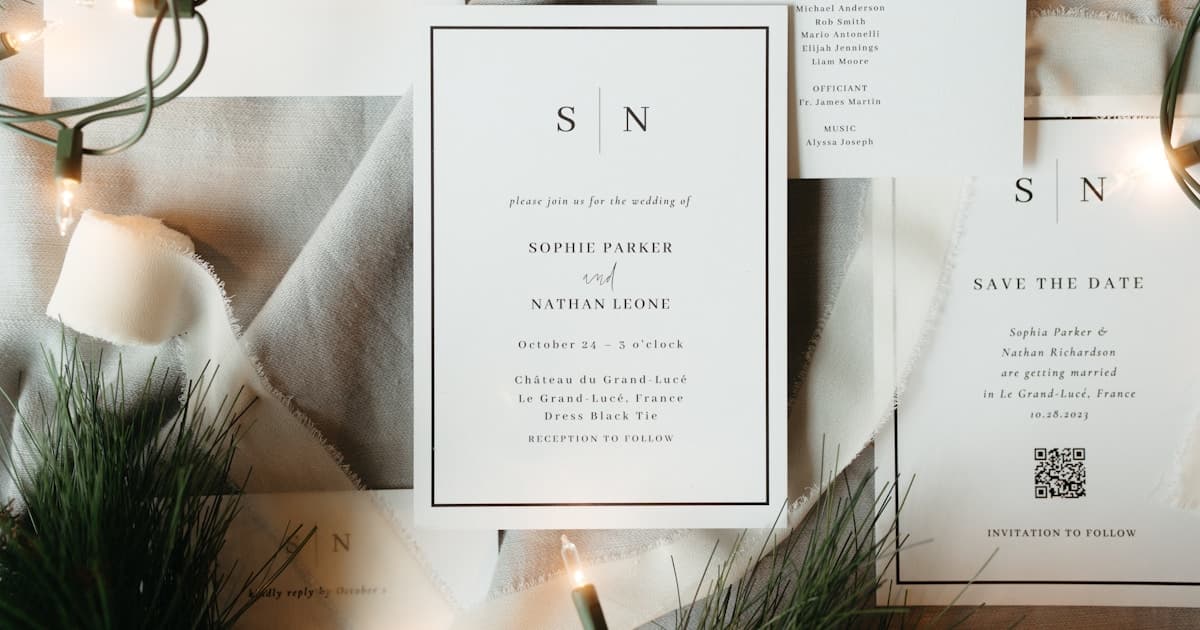
"Are digital save the dates tacky?" Couples ask this the moment they start planning — often before they have even chosen a venue. The short answer: no, not when done right. A well-designed digital save the date is practical, widely accepted, and in many cases the smartest way to give guests early notice.
The longer answer involves understanding why the stigma exists, what digital save the date etiquette actually requires in 2026, and how formal and casual weddings call for different approaches. Save the dates serve a different purpose than formal invitations — they lock in your date on guests' calendars months ahead, not deliver full event details. That distinction matters when deciding what feels tasteful and what feels like cutting corners.
This guide covers the etiquette rules that matter, how formality level changes your strategy, and the hybrid approach most couples now use. For timing, templates, and delivery channels, see our complete digital save the date guide.
Why the "tacky" label still exists
The stigma around digital save the dates traces back to three familiar concerns:
Early digital save the dates looked low-effort. A blurry JPEG forwarded in a group chat, a free Canva template with a watermark, or a mass email with no personal note — that was tacky. If that is someone's only reference point, skepticism makes sense.
Save the dates carry less weight than invitations — but still signal intent. A printed save the date card in the mail says "we are planning something real." A random text link without context can feel like an afterthought, even if the wedding itself will be formal and beautiful.
Generational expectations differ. Older relatives who grew up with mailed stationery may view a digital save the date as impersonal — especially for a black-tie or traditional ceremony. Younger guests, meanwhile, often prefer a link they can tap to add the date to their calendar instantly.
All three concerns are valid. None of them mean digital save the dates are inherently tacky. They mean execution, timing, and audience matter — the same principles that apply to digital wedding invitations.
Modern digital save the date etiquette
Etiquette is not about the medium. It is about giving guests enough notice, setting the right tone, and respecting how they communicate. Whether you send paper or a link, these rules apply:
Match the formality to the event
A black-tie gala deserves a more polished save the date than a backyard barbecue. Digital formats can absolutely match formal events — if you choose design, typography, and delivery that feel intentional rather than rushed.
Send at the right time
The standard window is 6–9 months before the wedding — longer for destination weddings or holiday weekends. Sending a save the date two months out defeats the purpose. Sending it eighteen months early and guests forget. Timing signals seriousness.
Keep it simple
A save the date is not an invitation. Include names, date, city or general location, and "formal invitation to follow." Skip the full schedule, dress code, and registry. Overloading a save the date creates confusion — and can feel tacky in a different way.
Personalize the delivery
Addressing a guest by name in a direct message turns a broadcast into a personal heads-up. Avoid dumping a link in a 200-person group chat with no context. Treat the send moment with the same care you would give slipping a card into an envelope.
Include what guests actually need
Date, location (city level), and a way to save it — a calendar link, "add to calendar" button, or a simple wedding website URL. That is it. Guests should be able to read it in under ten seconds.
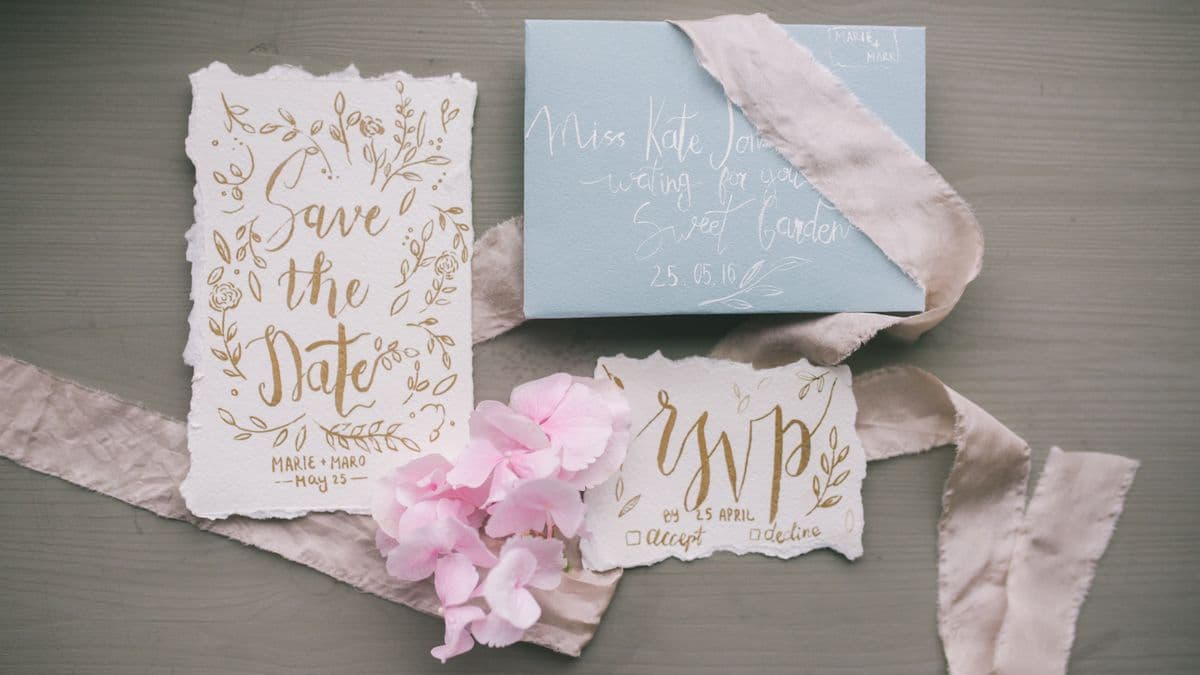
Formal vs casual weddings: what changes
The question "are digital save the dates tacky?" often depends on how formal your wedding is. Here is how the approach shifts:
| Factor | Formal wedding | Casual wedding |
|---|---|---|
| Design tone | Elegant typography, muted palette, minimal animation | Playful colors, engagement photos, relaxed copy |
| Delivery channel | Personalized email or direct message; printed card for older family | Text, group chat, or social media story |
| Print supplement | Strongly recommended for grandparents and traditional guests | Optional — most guests expect digital |
| Content | Names, date, city only — no venue until the formal invite | Same lean content; tone can be lighter |
| Follow-up invite | Formal digital wedding invitation 6–8 weeks out | Same timeline; design can stay casual throughout |
For a formal wedding, digital save the dates work best as part of a hybrid strategy — not a wholesale replacement for every touchpoint. For a casual backyard or destination celebration, a well-designed digital save the date sent directly to each guest is completely standard etiquette in 2026.
The key insight: formality lives in the quality and thoughtfulness of what you send, not whether it arrived in an envelope or a message.
The hybrid strategy: print for some, digital for everyone else
Most couples in 2026 do not choose between print or digital for save the dates — they use both strategically:
| Guest group | Save the date format | Why |
|---|---|---|
| Grandparents & older family | Printed card | Tangible keepsake, respects tradition |
| Parents' guest list | Printed or hand-delivered | Cultural expectation in many families |
| Friends & colleagues | Digital link via text or email | Natural, instant, calendar-ready |
| Out-of-town / international | Digital link | No postage delays, time-zone friendly |
| Destination wedding guests | Digital link + calendar button | Guests booking flights need the date immediately |
The hybrid approach is mainstream etiquette, not a compromise. Guests rarely compare notes on what format their save the date arrived in. They care about whether they got enough notice to block the date and whether it felt personal.
A printed save the date for close family costs $1–$4 each (plus postage). A digital save the date for everyone else is essentially free once you have a design — or a one-time platform fee if you use a premium tool. You keep tradition where it matters and save hundreds elsewhere.
What makes a digital save the date premium — not cheap
The gap between "tacky" and "tasteful" comes down to execution. Here is what separates a forgettable digital save the date from one that guests actually appreciate:
Beautiful design that matches your wedding tone. Curated typography, cohesive color palette, and spacing that feels intentional — not a generic template with mismatched fonts.
Rich link previews. When you share the link on iMessage, WhatsApp, or email, it shows a polished preview (title, image, description) — not a raw URL. First impressions happen before the guest even taps.
Mobile-first layout. Over 90% of guests will open your save the date on a phone. If it only looks good on desktop, it fails where it matters most.
Add-to-calendar functionality. One tap to block the date. That is the entire point of a save the date — make it effortless.
No watermarks or ads. Free-tier tools often brand your save the date with their logo. Your wedding announcement should not advertise someone else's product.
A clear path to the formal invite. Link forward to your full digital wedding invitation when the time comes — early notice now, full details later.
Tools like Vow Invites focus on cinematic, scroll-based digital invitations for mobile sharing — the same quality applies whether you are sending a save the date or a full multi-event invite.
When digital save the dates are the wrong choice
Digital save the dates are not tacky — but they are not always the right tool. Skip them for very short engagements (under 6 months) — send a formal invitation instead. Use printed cards for guests without smartphone access or families where even save the dates are expected by mail. And never treat a save the date as a substitute for a full invite with RSVP, venue details, and dress code.
Frequently asked questions
Are digital save the dates considered rude?
No. Digital save the dates are widely accepted in 2026, especially for friends, colleagues, and out-of-town guests. The etiquette is the same as paper: send 6–9 months ahead, personalize the delivery, and keep the content lean. What matters is giving adequate notice with a design that matches your wedding's tone — not whether it arrived in an envelope or a message.
Is it OK to send a digital save the date for a formal wedding?
Yes — with the right execution. Use elegant design, send personalized messages rather than mass blasts, and consider printed save the dates for grandparents or family members who expect physical mail. A digital save the date for most guests plus printed cards for traditional relatives is standard hybrid etiquette for formal weddings.
Do I still need printed save the dates if I send digital ones?
Not for every guest. Printed save the dates make sense for older relatives, parents' guest lists with strong traditional expectations, and anyone who does not use smartphones comfortably. For friends, colleagues, and out-of-town guests, digital is preferred — faster, cheaper, and easier to add to a calendar.
What is the biggest etiquette mistake with digital save the dates?
Sending a mass, impersonal blast with no context — or treating the save the date as a full invitation with venue addresses, dress codes, and RSVP forms. A save the date should take ten seconds to read: names, date, city, "formal invitation to follow." Overloading it or sending it without a personal note is what feels tacky.
Can I use the same digital link for my save the date and formal invitation?
You can, but it is usually better to keep them separate. A save the date should be minimal — just enough to block the date. Your formal invitation (sent 6–8 weeks before the wedding) carries the full schedule, RSVP, maps, and dress code. Using one evolving link works if your platform supports updating content, but starting with a lean save the date and following up with a full invite keeps the guest experience clear.