
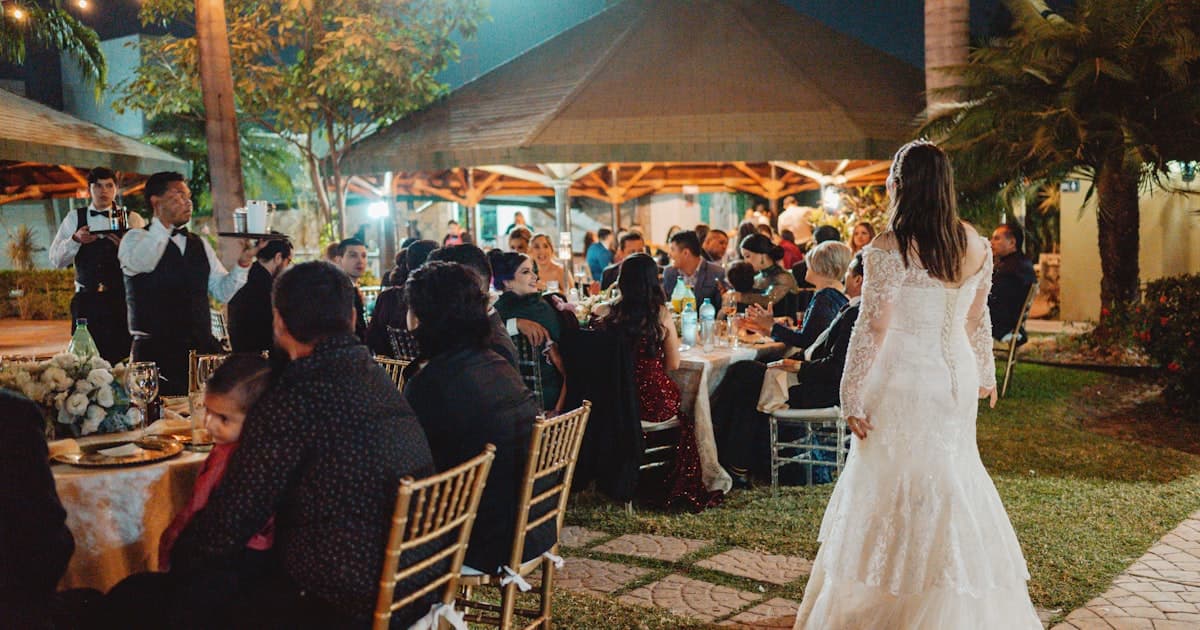
A wedding weekend is not a single event — it is three or four occasions spread across two or three days, often at different venues with different dress codes and different guest lists. Welcome drinks on Friday evening. Ceremony and cocktail hour Saturday morning. Reception Saturday night. Farewell brunch Sunday before everyone drives home or catches a flight.
That is a lot of logistics to communicate. And if you are sending separate messages, PDFs, or cards for each event, your guests will lose track before the weekend begins.
How to send digital wedding weekend itineraries
How to send digital wedding weekend itineraries? Put every event — times, venues, maps, dress codes, and RSVP — into one shareable link. Send it by text, email, or WhatsApp with a short personal note. Guests bookmark one URL and see the full weekend schedule, updated in real time if plans change.
A wedding weekend itinerary invitation replaces scattered PDFs and group-chat pins with a single cinematic page. One URL. One bookmark. Every detail in one place.
This guide covers how to structure a multi-day wedding invite for US weekend weddings and European multi-day celebrations, with a sample itinerary table, guest-group visibility, and the one-link approach that replaces scattered messages. For a broader look at multi-event invitation structure, see our complete multi-event wedding invitation guide.
New to digital invitations? Start with our complete guide to digital wedding invitations.
Why wedding weekends need a different kind of invite
A traditional invitation works when there is one ceremony at one venue. The moment your wedding spans multiple days — welcome dinner Friday, ceremony Saturday, brunch Sunday — a single printed card or PDF cannot hold the information guests need.
Consider what changes with a multi-day wedding invite:
- Multiple dates and times — not just one event, but three to five across two or three days
- Different venues — the welcome dinner might be at a downtown restaurant, the ceremony at a chapel, and the brunch at the hotel
- Different dress codes — casual Friday, formal Saturday, relaxed Sunday
- Different guest lists — the welcome dinner is for out-of-town guests and wedding party; the ceremony is for everyone; the brunch is for close family
- Shifting details — the caterer changes the reception time, the brunch venue moves indoors, the shuttle schedule updates
Sending five separate messages across email, text, and WhatsApp creates the exact confusion you are trying to avoid. A guest searches their inbox for "what time is brunch?" and finds three different threads with outdated information.
The one-link structure
A well-built wedding weekend itinerary invitation presents your entire weekend in a single scrollable experience. Here is how it works:
- Cover — couple names, wedding date, cinematic opening with music or envelope animation
- Event timeline — each event in chronological order with date, time, venue, and dress code
- Venue maps — tap-to-navigate Google Maps for every location
- RSVP form — guests confirm per event, note dietary needs, add plus-ones
- Accommodation — hotel block details, booking codes, shuttle schedules
- Gallery and countdown — engagement photos and a live timer to the first event
You share one link. Guests bookmark it. When you update the reception time from 6:00 PM to 6:30 PM, everyone sees the change the next time they open the link — no re-sending, no "check your messages for the updated PDF."
This is the same one-link approach covered in our multi-event guide, applied specifically to the US/EU wedding weekend format.
Sample US wedding weekend itinerary
Here is what a typical American wedding weekend looks like inside a digital invitation:
| Event | Day | Time | Venue | Dress code | Guests |
|---|---|---|---|---|---|
| Welcome dinner | Friday, Oct 10 | 7:00 PM | The Hound, Downtown | Smart casual | Out-of-town guests + wedding party |
| Ceremony | Saturday, Oct 11 | 11:00 AM | Grace Chapel | Formal | All guests |
| Cocktail hour | Saturday, Oct 11 | 12:30 PM | Garden Terrace, The Estate | Formal | All guests |
| Reception | Saturday, Oct 11 | 3:00 PM – 11:00 PM | Grand Ballroom, The Estate | Formal (dancing shoes) | All guests |
| Farewell brunch | Sunday, Oct 12 | 10:00 AM | Hotel Linden, Terrace | Casual | All guests |
Each row becomes a section in the digital invitation with its own map pin, dress code badge, and RSVP toggle. Guests scroll through the timeline on their phone and know exactly what to expect, what to wear, and where to go.
Notice the "Guests" column — not every event includes every guest. The welcome dinner is specifically for out-of-town guests and the wedding party. The ceremony and reception are for everyone. This is where guest-group visibility matters.
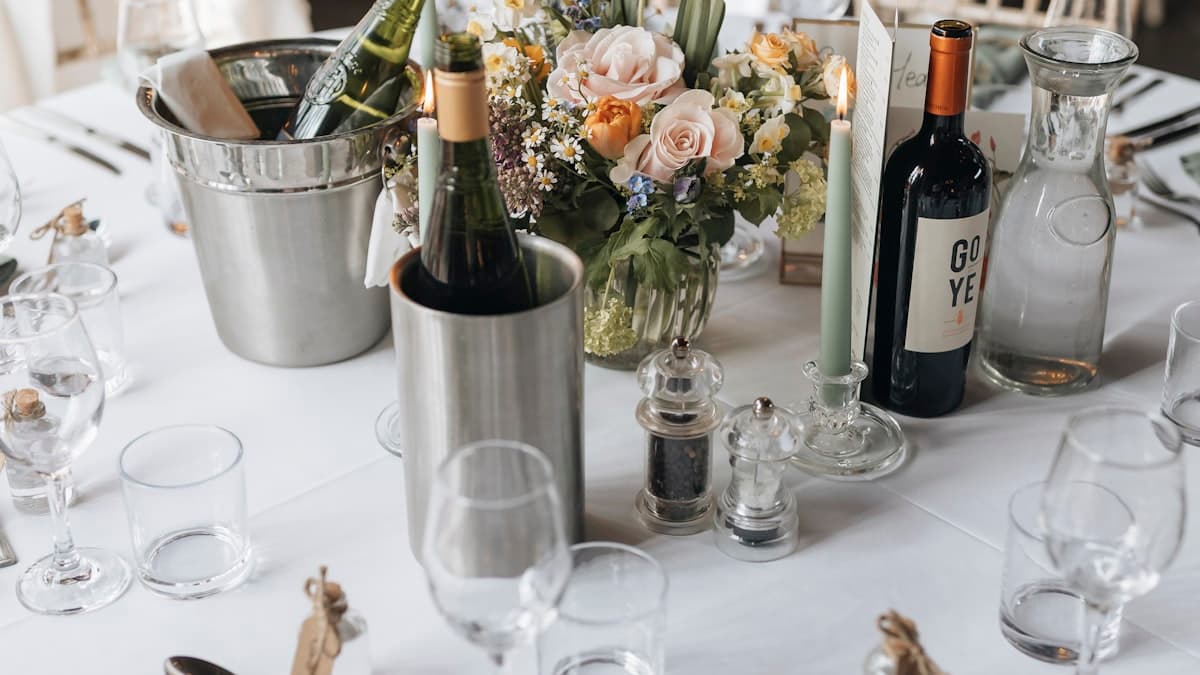
EU and destination multi-day weddings
European and destination weddings often stretch across three or more days with a looser structure. A villa wedding in Provence, a country house weekend in the Cotswolds, or a coastal celebration in Portugal might look quite different from the American format.
Typical EU multi-day structure:
- Day 1 — Arrival and welcome. Casual drinks, guests settle in, no formal program. Think aperitivo on the terrace or a pub welcome in the village.
- Day 2 — The main event. Ceremony, cocktail hour, dinner, and party. This is the formal day with a set schedule.
- Day 3 — Farewell and activities. Morning brunch, optional group excursion (wine tour, coastal walk, market visit), and goodbyes.
Some European weddings add a pre-wedding dinner on Day 1 (similar to a US rehearsal dinner but often open to all guests) and extend Day 3 with afternoon activities for guests who are staying an extra night.
The key difference from US weddings: European multi-day events tend to blur the line between structured events and unstructured social time. Your wedding schedule for guests should distinguish between "be here at this time" events and "optional, come if you like" activities.
| Event | Day | Time | Notes |
|---|---|---|---|
| Arrival drinks | Thursday | From 5:00 PM | Informal — drop in when you arrive |
| Welcome dinner | Friday | 7:30 PM | All guests, smart casual |
| Ceremony | Saturday | 2:00 PM | Formal — chapel on the estate |
| Reception dinner | Saturday | 6:00 PM – late | Same venue, black tie optional |
| Brunch | Sunday | 10:30 AM | Casual, poolside |
| Wine tour | Sunday | 2:00 PM | Optional — sign up via RSVP |
For destination-specific logistics — flights, visas, hotel blocks, and longer timelines — see our destination wedding digital invitation guide.
Guest-group visibility: who sees what
The biggest advantage of a digital wedding weekend itinerary invitation over separate cards or PDFs is guest-group visibility. You send one link, but different guests see different events based on their group assignment.
Here is how it works for a typical wedding weekend:
| Guest group | Events visible |
|---|---|
| Wedding party | Welcome dinner, ceremony, cocktail hour, reception, brunch |
| Out-of-town guests | Welcome dinner, ceremony, cocktail hour, reception, brunch |
| Local friends | Ceremony, cocktail hour, reception |
| Family only | All events + optional private rehearsal |
| Day-of guests | Ceremony, cocktail hour, reception |
Your college friends who live nearby see the ceremony and reception. Your wedding party sees the welcome dinner and brunch too. Your out-of-town relatives see everything including shuttle information. Same link — different content.
No awkward "am I invited to the Friday dinner?" moments. No separate invitations that get mixed up. Each guest opens the link and sees exactly what applies to them.
What to include per event
Each event in your wedding schedule for guests should have structured details — not a wall of text. Here is a checklist per event section:
- Event name and date — "Welcome Dinner — Friday, October 10"
- Start time (and end time if relevant) — especially for events with a defined window
- Venue name and address — with an embedded Google Maps pin for tap-to-navigate directions
- Dress code — a clear label (smart casual, formal, black tie optional) so guests do not text you asking
- Notes — parking instructions, shuttle pickup times, "bring a jacket — it's outdoors," or "kids welcome"
- RSVP toggle — per-event confirmation so you know exactly who is attending which events
For venues that are not co-located, include travel time between them. "The ceremony is 20 minutes from the hotel — shuttle departs at 10:15 AM" saves a dozen guest messages.
Updating your itinerary after sending
Details change — especially across a multi-day weekend. The welcome dinner moves from the rooftop to the private dining room. The brunch start time shifts by thirty minutes. The shuttle adds a second pickup location.
With a link-based welcome dinner invite and weekend itinerary, you edit once and every guest sees the change immediately:
- Time changes — shift any event's start or end time
- Venue swaps — update the address and map pin for a specific event
- Dress code updates — loosen from "black tie" to "cocktail" if plans evolve
- New events — add a Sunday afternoon activity you decided on after initial invites went out
- Weather contingency — move the outdoor ceremony to the indoor backup and update the map
- Shuttle schedule — add pickup times as logistics are confirmed closer to the date
Guests who saved the link in their messages or bookmarked it always see the latest version. No follow-up messages, no "which version is correct?" confusion.
How to share your weekend invite
Once your invitation is built, sharing is simple across every channel:
- WhatsApp / iMessage — paste the link for a rich preview card with your cover image. See our WhatsApp sharing guide for broadcast lists and etiquette.
- Email — embed the link in a short personal note to family or formal guests.
- Text / SMS — the link opens in any mobile browser, no app required.
- QR code — print a QR on a physical save-the-date card for guests who prefer paper. The QR opens the same digital invitation.
One link works across every platform and device. Guests tap once and see their personalized weekend timeline.
Ready to build your wedding weekend invitation? Create yours now or explore a live demo.
Frequently asked questions
Do I need separate invitations for each event in a wedding weekend?
No. A digital wedding weekend itinerary invitation combines welcome dinner, ceremony, reception, brunch, and any other events into one scrollable link. Each event gets its own section with time, venue, map, dress code, and RSVP. Guests see everything in one place instead of tracking multiple cards or messages.
How do I control which guests see the welcome dinner vs just the ceremony?
Guest-group visibility lets you assign each guest to a group — wedding party, out-of-town, local, family. Everyone uses the same link, but they only see the events relevant to their group. Your local friends see the ceremony and reception; your wedding party sees the welcome dinner and brunch too.
Can I add or change events after I have already shared the link?
Yes. Because a digital invitation is a live link, any change — new event, time update, venue swap, dress code revision — reflects immediately. Guests see the latest version every time they open the link. You never need to re-send or follow up with corrections.
What is the difference between a welcome dinner and a rehearsal dinner?
A rehearsal dinner traditionally follows the ceremony rehearsal and is for the wedding party and immediate family. A welcome dinner is a broader gathering for out-of-town guests who have arrived early. Some couples combine them into one event; others host both. See our rehearsal dinner digital invitations guide for wording, timing, and guest-list etiquette. A digital itinerary can include either or both with the appropriate guest-group visibility.
How far in advance should I send a wedding weekend invitation?
For a local wedding weekend, send save-the-dates six to eight months out and the full digital invitation with itinerary three to four months before. For destination weekends that require flights and hotel bookings, extend to eight to ten months for save-the-dates and six months for full invitations. See our destination wedding guide for a month-by-month timeline.
Is a digital weekend itinerary appropriate for formal or traditional weddings?
Absolutely. A well-designed digital invitation with cinematic visuals, elegant typography, and structured event sections looks as polished as printed stationery — while doing more. It includes maps, RSVP, real-time updates, and guest-group visibility that paper cannot offer. Many couples pair a printed save-the-date with a digital weekend itinerary for the best of both approaches.